
Game design
How to design pets for a Roblox game
Design Roblox pets: readable silhouettes, zone themes, rarity escalation, one consistent style, AI vs Blender vs artist, budgets and the Studio pipeline.
Updated 8 min readBy the Proppo team
On this page
Quick answer
Design Roblox pets for a small, top-down phone view: one signature shape, two or three colors and chunky proportions. Theme each zone's egg around one palette with 4 to 6 pets, make higher tiers bigger, brighter and more animated, reuse one style block in every prompt, and keep each pet near 2,000 to 4,000 triangles and 3 studs tall.
Key takeaways
- Design for the real camera: pets are seen small, from above, often a dozen at a time on a phone. Silhouette first, detail last.
- Theme each zone and its egg around one idea and one palette, with 4 to 6 pets per egg.
- Escalate rarity on 4 channels: size, color, effects and animation. Each tier should look clearly better than the last.
- Lock one style block and reuse it in every prompt, so a set of 20 or more pets still looks like one game.
- Budget per pet: about 2,000 to 4,000 triangles, a 512 px texture and 3 studs tall, far below the 20,000-triangle cap.
Designing pets for a Roblox game is mostly a readability problem, not a modeling problem. A pet that looks great in a turnaround can vanish on a phone screen next to eleven others. This guide is the overview: how to make pets readable, theme them per zone, escalate them by rarity, keep a whole set consistent, choose how to make them, and get them into Roblox Studio within a sensible budget. Each section links to a deeper guide.
What makes a Roblox pet readable in game?
A readable pet has a clear outline at small size, from above and from three-quarter view: one or two big shapes, high contrast between body and accent color, and no thin details that disappear on a phone.
Pet simulators show pets following the player, usually seen from a raised camera. Design for that view, not the menu close-up:
- One signature shape. Wings, horns, a big tail, a fin. Players should recognize the pet from its outline alone.
- Exaggerated proportions. A larger head, thick limbs and attached parts read better than realistic anatomy. Thin parts (whiskers, antennae, loose spikes) also tend to break during AI generation and decimation.
- Two or three colors. One main color, one accent and maybe a glow. Fine painted detail is invisible at gameplay distance.
- Readable from the top. Wings spread sideways and a colored back read from above. A detailed face that only shows from the front does not.
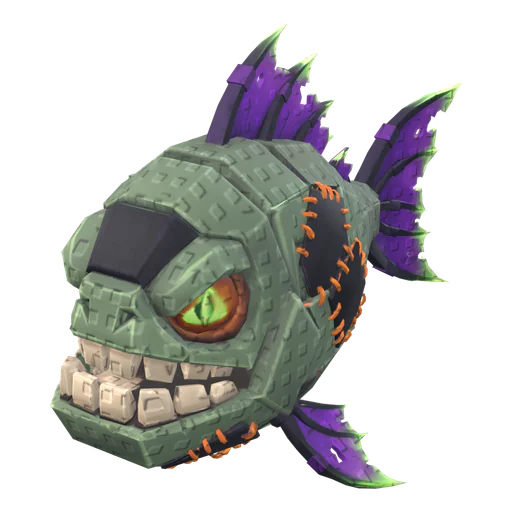
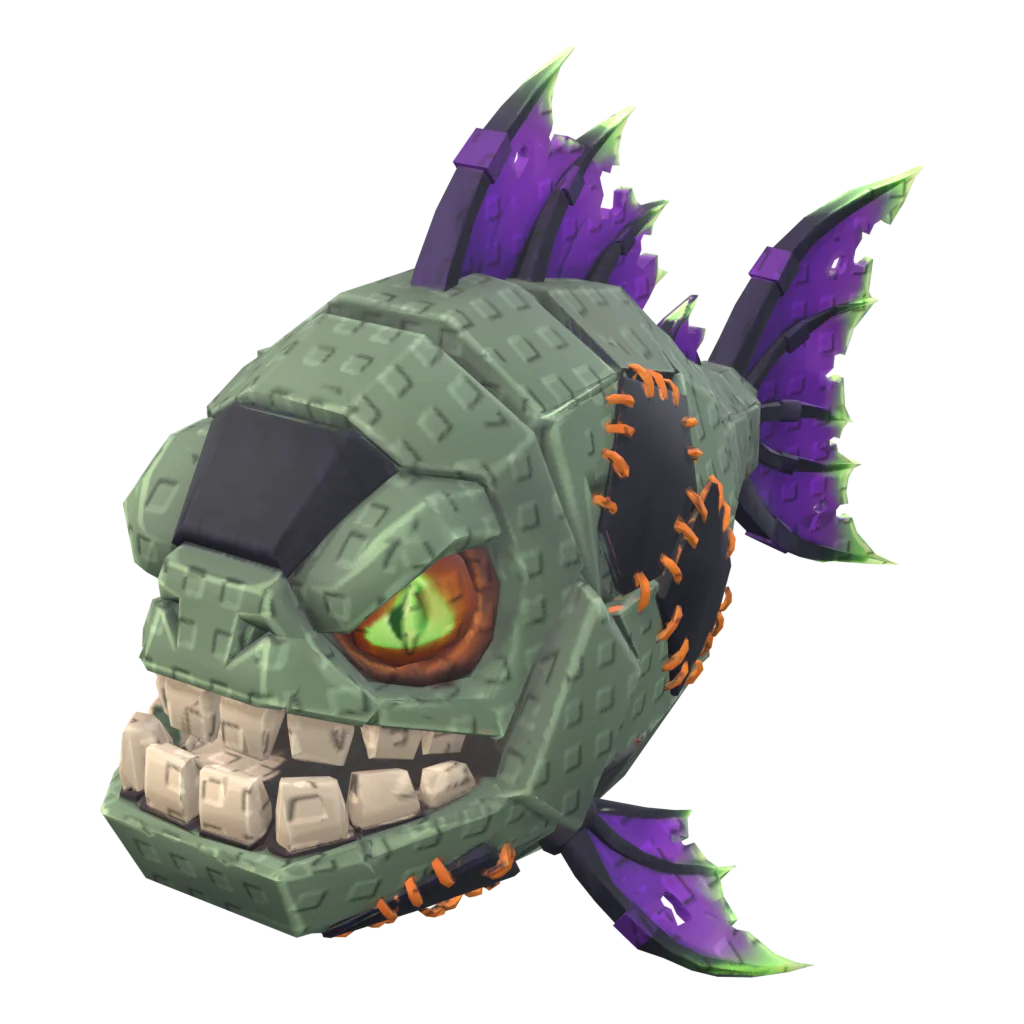
How do you theme pets for each zone and egg?
Give every zone one theme and one palette, and fill its egg with 4 to 6 pets that clearly belong to that theme. Players should be able to tell which egg a pet came from by its colors alone.
Most pet simulators move players through zones (a starter meadow, then a lava world, an ocean, space and so on), and each zone sells its own egg. A strong theme does three jobs: it makes the zone feel new, it makes the egg's pets look like a set, and it gives you an easy naming scheme. Keep themes far apart in color so a team of mixed pets still reads.
Starter meadow
- Palette
- Green, cream, warm brown
- Signature shapes
- Round bodies, leaf ears, short tails
Lava
- Palette
- Black, orange, glowing yellow
- Signature shapes
- Cracked rock, horns, ember wings
Ocean
- Palette
- Teal, deep blue, coral
- Signature shapes
- Fins, shells, tentacles
Space
- Palette
- Navy, violet, cyan glow
- Signature shapes
- Visors, rings, crystal spikes
Mythic / secret
- Palette
- Black, gold, one neon accent
- Signature shapes
- Huge wings, halos, extra eyes
Example themes. Our pet ideas guide has 9 full sets with copy-paste prompts.
Need a starting list? Roblox pet ideas has themed sets (starter, lava, ocean, candy, space, forest, mythic, secret and seasonal), each with ready-to-use generation prompts.
How should pets change from common to mythic?
Higher tiers should look better on four channels at once: size, color, visual effects and animation. A legendary that is only a recolored common feels cheap; a legendary that is bigger, glows and moves differently feels earned.
Common
- Size
- 1× (about 3 studs)
- Color
- Natural, muted
- Effects
- None
- Animation
- Script bob or hop
Rare
- Size
- 1×
- Color
- Brighter, one accent
- Effects
- None or a faint sparkle
- Animation
- Bob plus idle loop
Epic
- Size
- 1.1–1.25×
- Color
- Saturated, accent glow
- Effects
- Small trail or aura
- Animation
- Idle and move loops
Legendary
- Size
- 1.25–1.5×
- Color
- Metallic or emissive parts
- Effects
- Particles or a glow
- Animation
- Full rig, unique move
Mythic
- Size
- 1.5× and up
- Color
- Unique palette, neon
- Effects
- Signature effect
- Animation
- Showcase animation
Heuristic escalation we use as a starting point, not a Roblox rule. Spend effects on the top tiers: they are the rare pets on screen.
Visual variants (gold, rainbow, shiny, huge) are a second layer on top of the tier: the same pet in a rarer look. They multiply your content without new models. How to make golden, rainbow and huge pets covers the build, and egg rarity tables covers the odds. Glossary: rarity tier, variant.
How do you keep a pet set in one consistent style?
Write a short style block (proportions, shading, materials, lighting, pose) once, and paste the same block into every prompt or brief. Then change only the creature, its signature feature and its colors.
Inconsistent style is the most common problem when pets come from several artists, packs or AI runs. One pet is realistic, the next is a cartoon, and the egg looks like a random bundle. A fixed recipe solves most of it:
[creature] + [one signature feature] + [2–3 colors] + [material] + [pose], then the same style block every time
stylized game asset, chunky readable shapes, hand-painted texture, soft rim light, plain background, neutral standing pose
A fierce adult lava drake pet with oversized bat wings, cracked obsidian scales with glowing orange seams, ember-tipped tail, stylized game asset, chunky readable shapes, hand-painted texture, soft rim light, plain background, neutral standing pose
- One creature per prompt, no scenery and no floating effects: those become extra geometry glued to the pet.
- Neutral pose, wings open, mouth closed: easier to rig and to read.
- Image to 3D for the hero pets. Generate or draw a concept picture first, fix it, then convert. It gives you more control than straight text to 3D.
- Review the whole egg together, side by side at gameplay size, before you rig anything.
Should you use Blender, commission an artist or use AI?
Use AI or packs to fill eggs fast, Blender when you need full control and have the skills, and a commissioned artist for signature pets where style matters most. Many teams mix all three.
Blender (yourself)
- Speed
- Slow: hours to days per rigged pet
- Control
- Total
- Main catch
- Needs modeling, UV, rig and animation skills
- Best for
- Hero pets, fixes on any pet
Commission a 3D artist
- Speed
- Days to weeks
- Control
- High, through the brief
- Main catch
- Cost per pet and revision rounds
- Best for
- Mythics, a game's mascot
Asset packs
- Speed
- Instant
- Control
- Low
- Main catch
- Others use the same pets; license terms
- Best for
- Prototypes, filler
AI 3D generation
- Speed
- Minutes per pet
- Control
- Medium: prompt, image, retries
- Main catch
- Needs Roblox cleanup (tris, scale, pivot, rig)
- Best for
- Filling eggs, testing themes
Rough comparison. Costs and license traps are in pet simulator art on a budget; tools are compared in best AI 3D tools for Roblox.
Disclosure: Proppo is our own product. It is one AI option built for this job: it generates the pet from a prompt or image, then runs a Roblox step (triangle and texture budget, stud scale, bottom-center pivot), an auto-rig with idle and move loops, and a rarity set (Gold, Diamond, Shadow, Rainbow and Neon) on the same mesh. Roblox's free Cube generation in Studio is another option, compared in Roblox Cube vs AI generators.
What triangle, texture and scale budget should a pet have?
Aim for about 2,000 to 4,000 triangles, one 512 px texture and a height of about 3 studs per pet. Roblox allows 20,000 triangles per mesh, but a full server shows dozens of pets at once.
| Asset | Triangles | Texture | Height |
|---|---|---|---|
| Pet (mobile) | 2,000 | 512 px | 3 studs |
| Pet | 4,000 | 512 px | 3 studs |
| Egg | 1,500 | 512 px | 3.5 studs |
Proppo presets (our budgets, picked for phones). Hard limit: 20,000 triangles per mesh, per the Roblox modeling specifications.
Eggs get the smallest budget (1,500 triangles) because they are simple shapes and spawn in large numbers. Variants add no triangles, since they only change the texture. Full numbers, bones and Studio properties are in Roblox pet model specs, and the reasoning in triangle and texture limits for mobile. Glossary: triangle budget, stud.
What is the pipeline from concept to Roblox Studio?
Concept, style check, 3D model, Roblox cleanup, rig, variants, import, in-game test. Run every pet of an egg through the same steps so the set stays consistent.
- Pick the zone theme, the egg and each pet's tier.
- Write the prompt from the recipe above (or sketch the pet), with the shared style block.
- Generate a concept image and check the silhouette at thumbnail size.
- Turn it into a textured 3D model (image to 3D, or model it in Blender).
- Reduce it to the budget: triangles, one material, one texture atlas, 512 px (see decimation).
- Scale to studs and set the pivot to the bottom center.
- Rig the pets that need real movement (animate a Roblox pet); keep commons on a scripted bob.
- Make the variant set (gold, rainbow and so on) on the same mesh and rig.
- Export FBX with textures and import it (Studio import guide).
- Test with the real number of pets on screen, on a real phone, next to the rest of the egg.
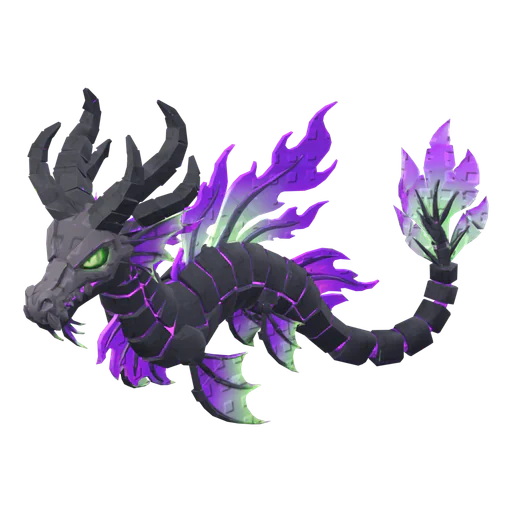
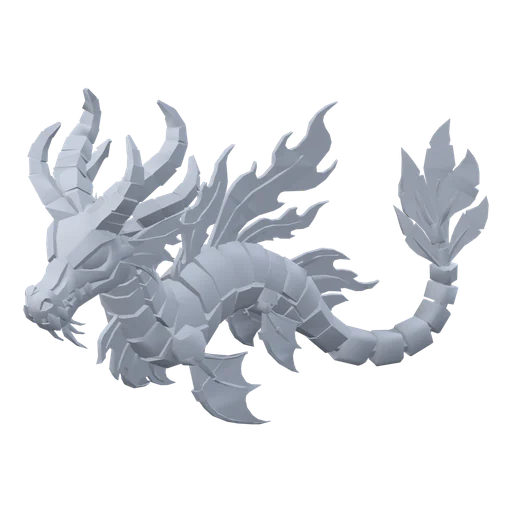
The step-by-step version of this pipeline with AI is in how to make a Roblox pet with AI. To see finished examples, open the Spectre Dragon or browse the model gallery.
Where should you go next?
- Roblox pet ideas: 9 themed sets with prompts.
- Golden, rainbow, shiny and huge pets: variants and Luau code.
- Roblox pet model specs: sizes, budgets and Studio properties.
- Egg rarity tables: tiers, odds and Roblox's rules.
- Animate a Roblox pet: idle, walk and fly.
Frequently asked questions
How do you design a good pet for a Roblox game?
How many pets should a Roblox egg have?
How big should a Roblox pet be?
How many triangles should a Roblox pet have?
Can I make all my game's pets with AI?
Design your first egg
Generate the pets for one zone from a shared style block. Proppo sizes them for Roblox, rigs them and makes the rarity set.
60 free credits when you confirm your email. No card needed.
Related guides
All guides Game design
Game design
Roblox pet ideas: 45 pets in 9 themed sets (with prompts)
Nine themed pet sets, from starter to secret, each with a ready-to-paste generation prompt.
7 min readUpdated October 31, 2026Read
 Tutorial
Tutorial
How to make golden, rainbow, shiny and huge pets in Roblox
Variant types, which API builds each one, a rainbow color-cycle script and Model:ScaleTo for huge pets.
8 min readUpdated October 31, 2026Read
 Reference
Reference
Roblox pet model specs: size, poly count and Studio settings
One spec sheet: studs, triangles, textures, bones, fps, the properties to set and common bug fixes.
7 min readUpdated October 31, 2026Read
TutorialTutorial
How to make a Roblox pet with AI (step by step)
Concept, 3D model, rig, rarity set and import: the whole pet pipeline in one walkthrough.
6 min readUpdated October 31, 2026Read
 Game design
Game design
Pet simulator egg rarity tables: how to design them
Tiers, drop-rate math, gold and rainbow variants, pity timers and the odds rules Roblox asks for.
6 min readUpdated October 31, 2026Read
 Game design
Game design
How to make a pet simulator game on Roblox
Core loop, the seven systems, build order, how many pets you need, art, monetization and launch.
9 min readUpdated October 31, 2026Read