
Community models
Free Roblox pet models
3D pets made by the Proppo community and licensed under CC BY 4.0: free to use in your Roblox game, commercially too, as long as you credit the creator. Open any pet to see it in 3D.
Previewing is free for everyone. Downloading the files (Roblox pack, FBX, GLB, OBJ) needs a paid plan, from $9.99 a month. See pricing.
CC BY pet models
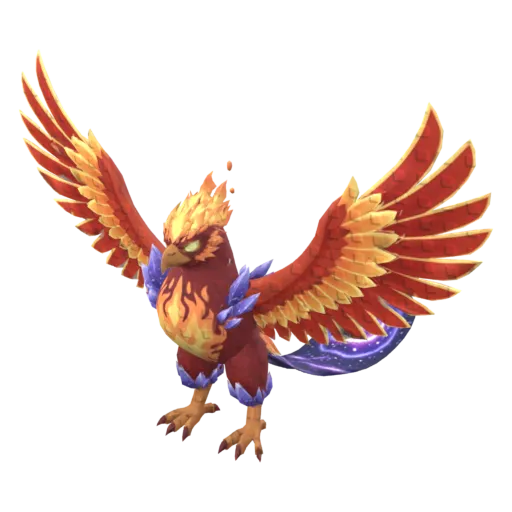 Pet
PetPhoenix
AAron00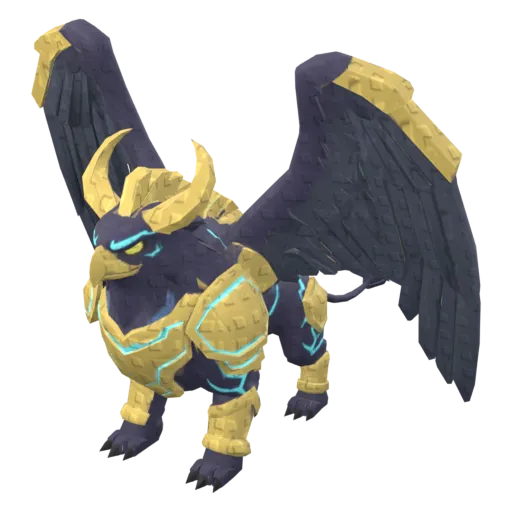 Pet
PetGriffin
AAron00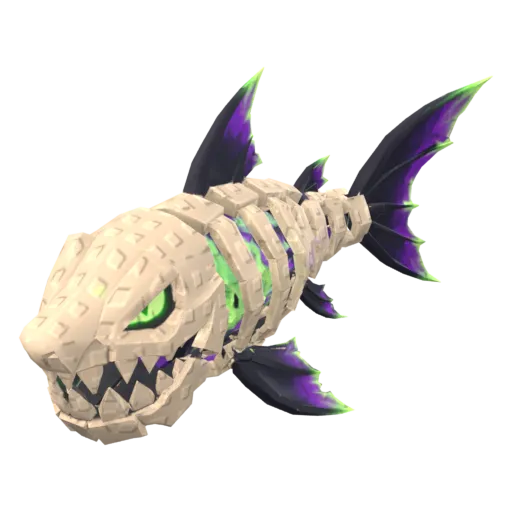 PetRigged and animated
Bone Shark
AAron00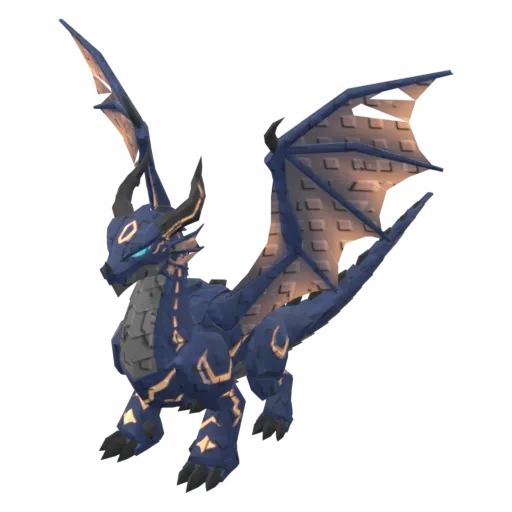 Pet
PetEpic Dragon
AAron00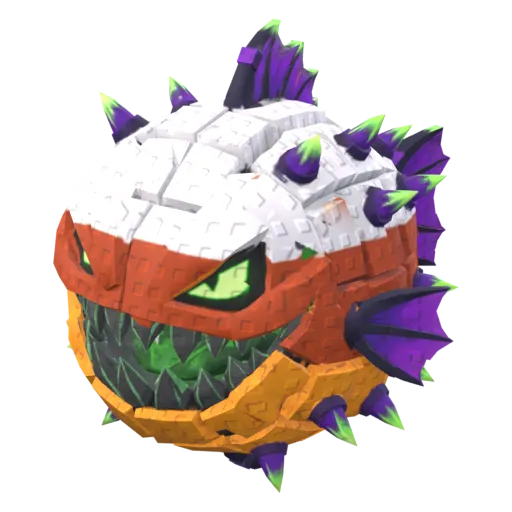 PetRigged and animated
Candy Puffer
AAron00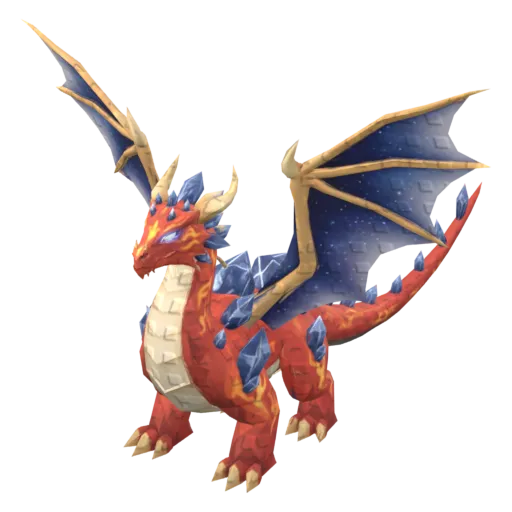 Pet
PetMythic Dragon
AAron00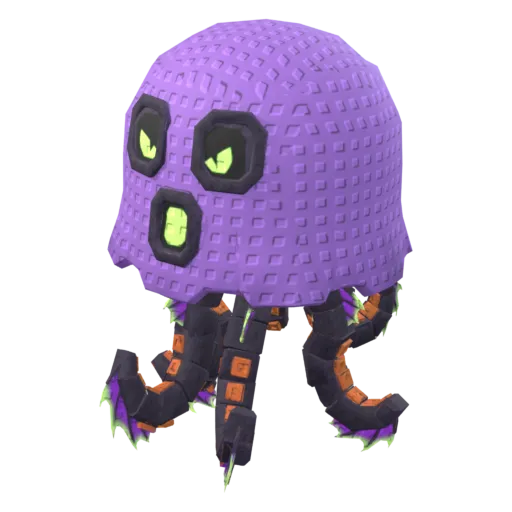 PetRigged and animated
Ghost Jelly
AAron00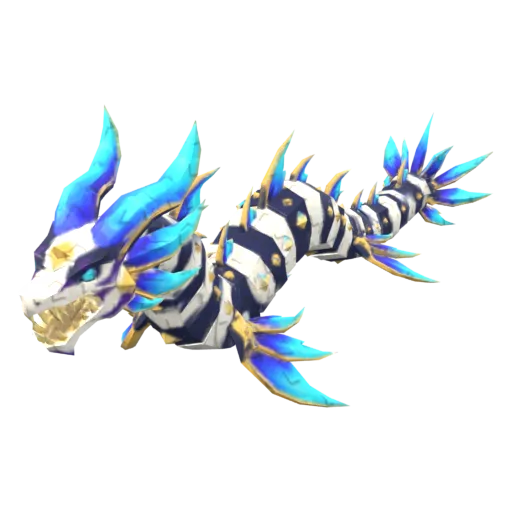 Pet
PetCelestial Seadragon
AAron00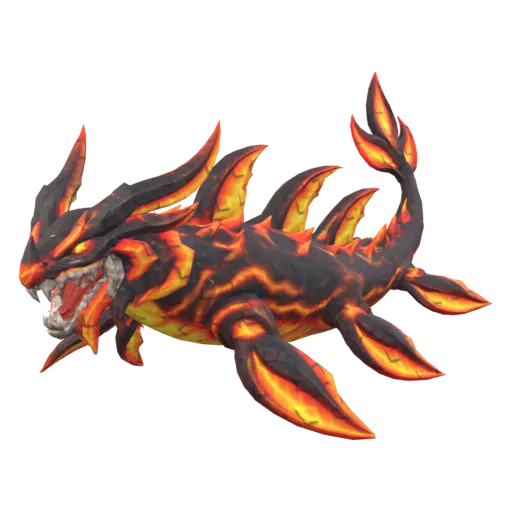 Pet
PetMagma Seadragon
AAron00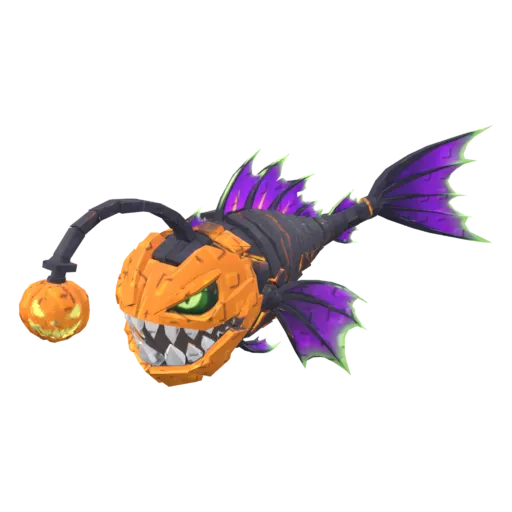 PetRigged and animated
Pumpkin Reaper
AAron00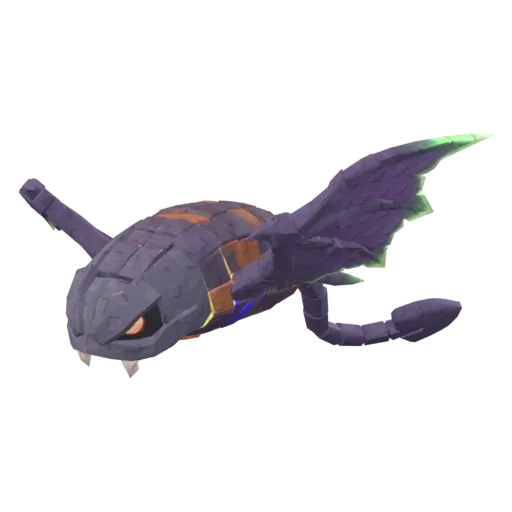 PetRigged and animated
Bat Ray
AAron00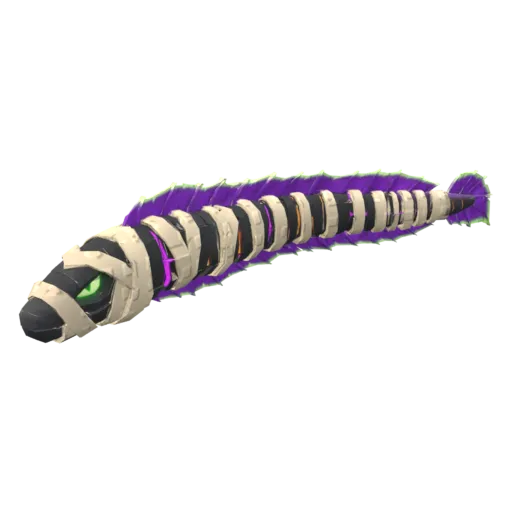 PetRigged and animated
Mummy Eel
AAron00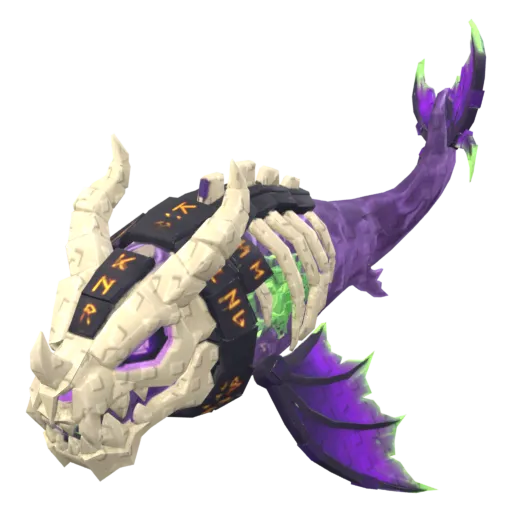 PetRigged and animated
Phantom Leviathan
AAron00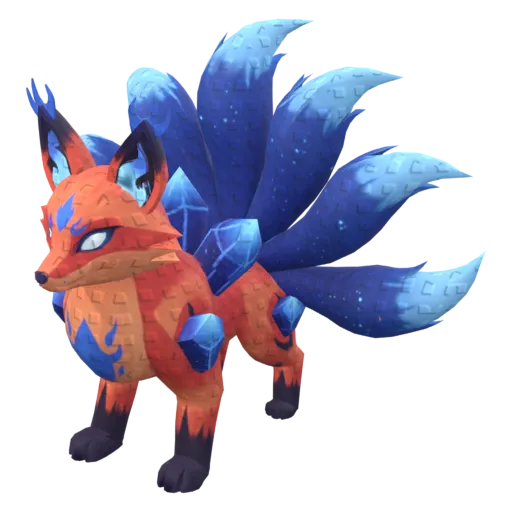 Pet
PetKitsune
AAron00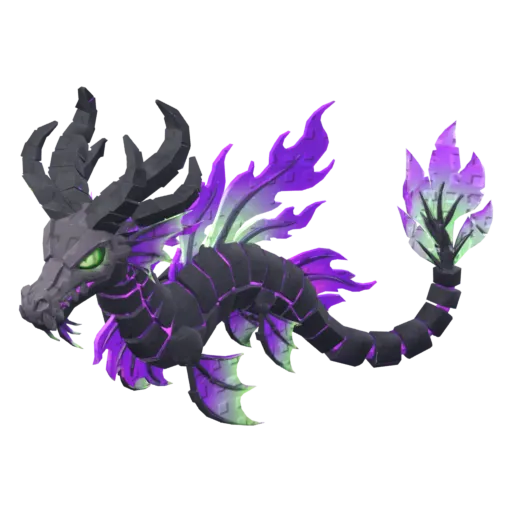 PetRigged and animated
Spectre Dragon
AAron00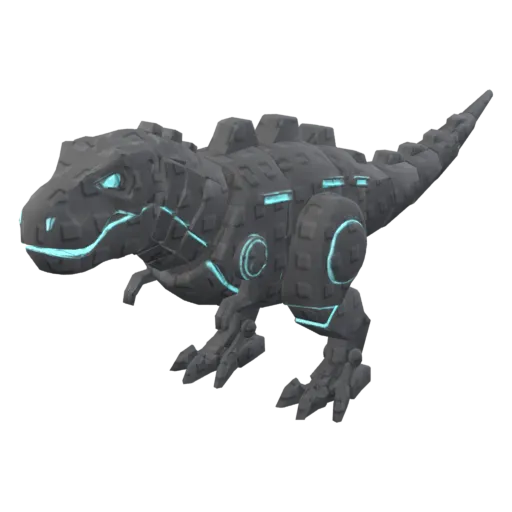 Pet
PetMecha Rex
AAron00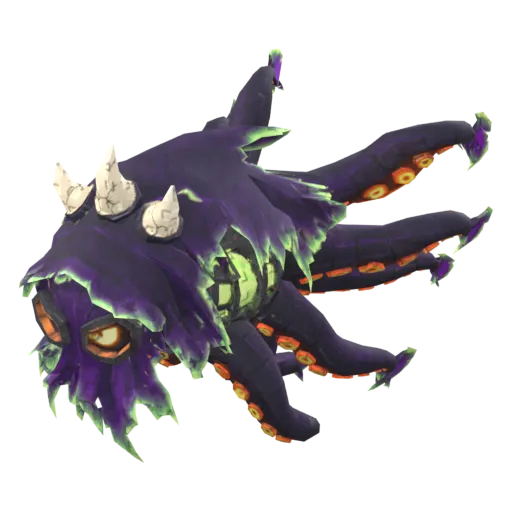 PetRigged and animated
Wraith Kraken
AAron00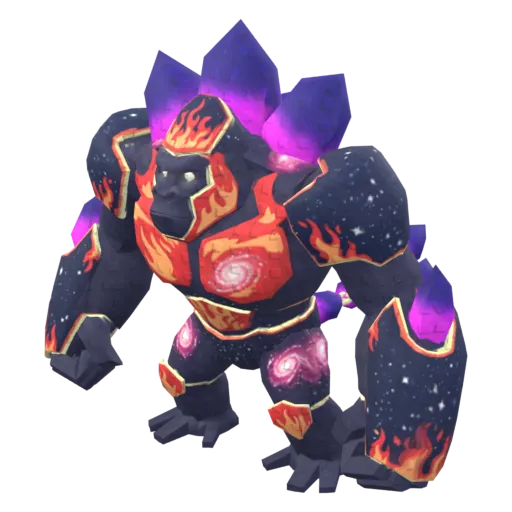 Pet
PetCrystal Golem
AAron00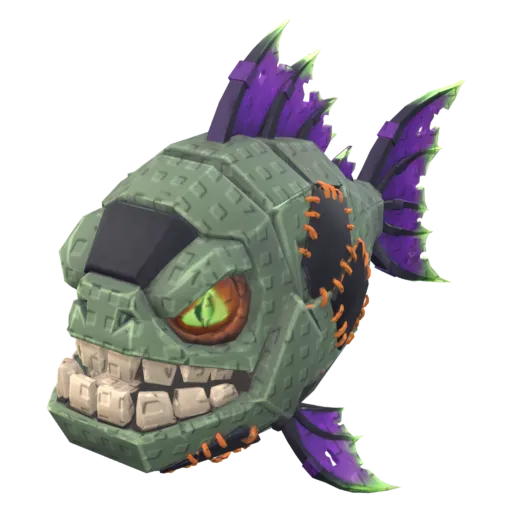 PetRigged and animated
Zombie Piranha
AAron00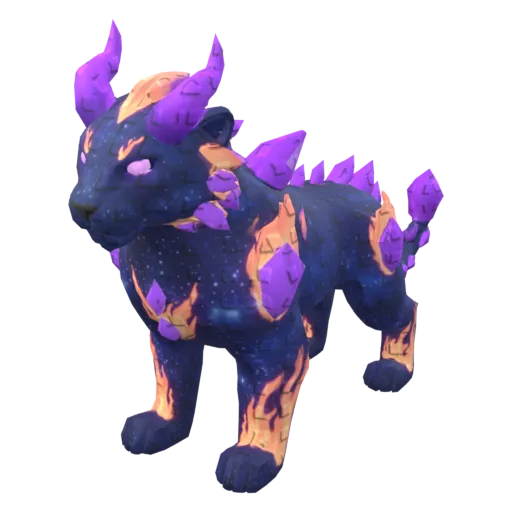 Pet
PetVoid Panther
AAron00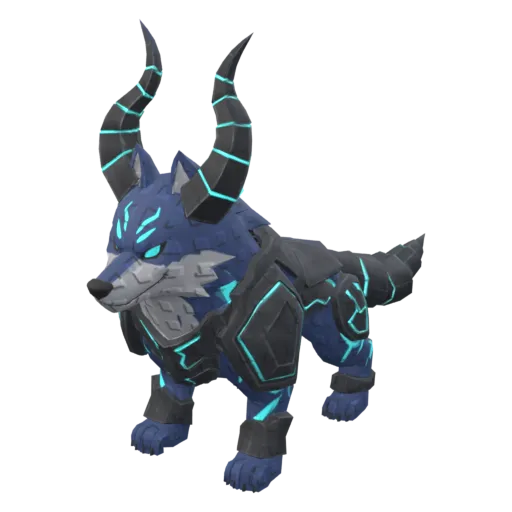 Pet
PetEpic Wolf
AAron00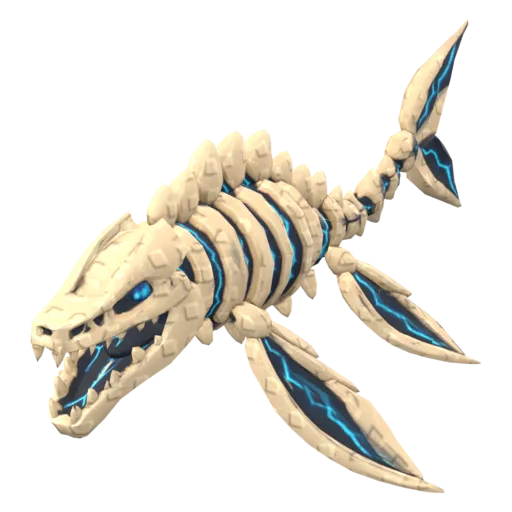 Pet
PetMosasaur
AAron00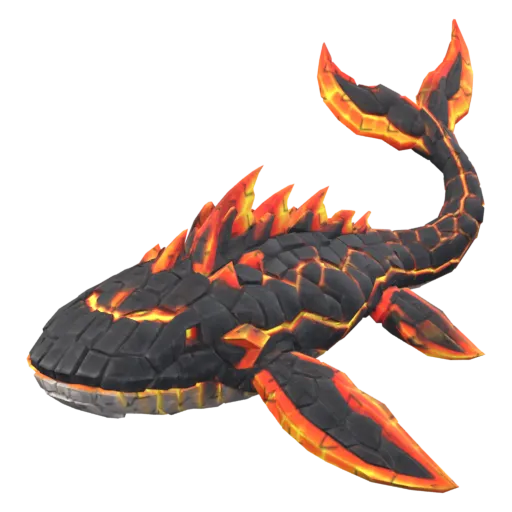 Pet
PetLava FinFish
AAron00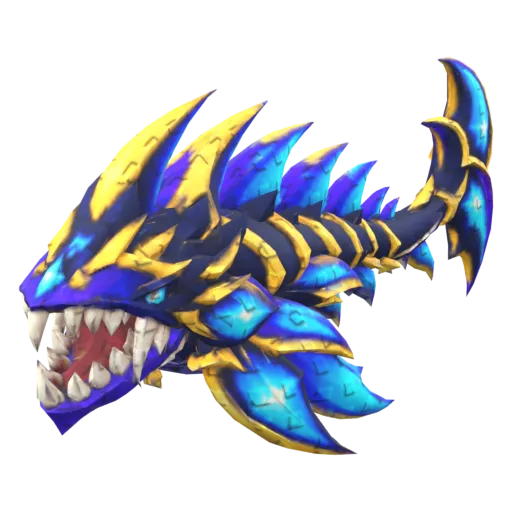 Pet
PetAbyssal Starfang
AAron00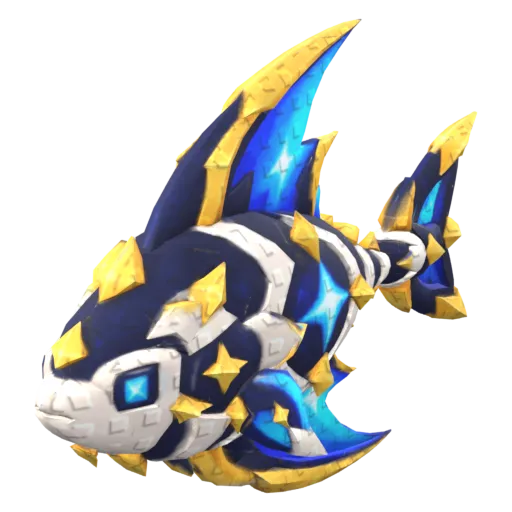 Pet
PetAstral Sapphirefin
AAron00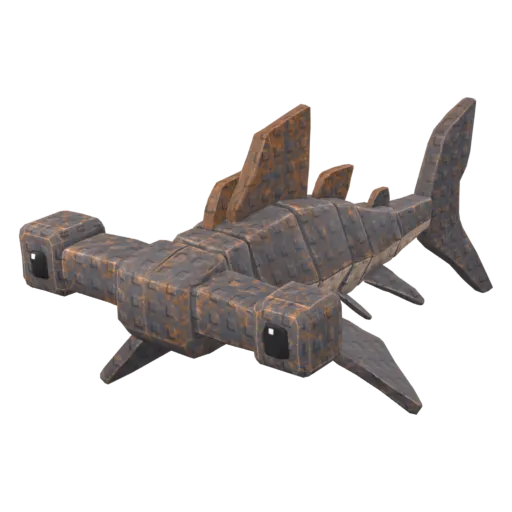 Pet
PetHammerhead
AAron00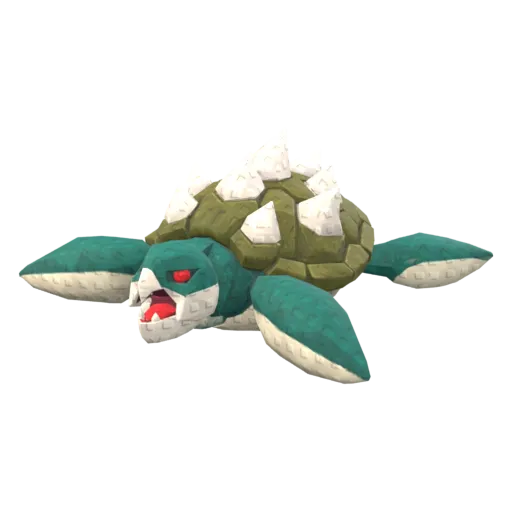 Pet
PetSea Turtle
AAron00
What CC BY 4.0 lets you do
Every pet on this page is shared under Creative Commons Attribution 4.0. Models made on Proppo's Free plan are always public under this license; paid creators can choose it or keep their models “all rights reserved” (those aren't listed here). In short:
- You may use the pet in your game, change it (recolor, resize, rig, make a Gold or Rainbow variant) and use it commercially, including in a game that earns Robux.
- You must credit the creator: their name, a link to the model, the license name, and a note if you changed it.
- Generated content: in many countries purely AI-generated content isn't protected by copyright, and similar results can exist elsewhere. See our terms for the details.
Free models and backdoor scripts
Files downloaded from Proppo are meshes and textures only (FBX, GLB or OBJ). They contain no scripts, so there is nothing to hide a backdoor in.
How to import a pet into Roblox Studio
- Open the pet and download the Roblox pack (paid plans). Unzip it and keep the textures folder next to the FBX.
- In Studio, open the 3D Importer: File > Import (Ctrl+M on Windows, Cmd+M on Mac) and pick the FBX.
- Leave the scale unit at studs: the model is already sized so 1 unit = 1 stud, with the pivot at the bottom center.
- For a rigged pet, set Rig Type to Custom, then publish its animations with the account or group that owns your game (why that matters).
- If it shows up grey, add a SurfaceAppearance to the MeshPart and set its ColorMap.
The full walkthrough, with rigs, animations and texture fixes: how to import a 3D model into Roblox Studio.
FAQ
Are these Roblox pet models really free?
How do I credit a CC BY pet in my Roblox game?
Do these models contain scripts?
Can I make my own pet instead?
Want a pet nobody else has?
60 free credits when you confirm your email. No card needed.