
Tutorial
How to make a Roblox pet with AI (step by step)
From idea to a rigged, animated Roblox pet: prompt or sketch, AI 3D generation, auto-rig with idle and walk, a rarity set and the Studio import.
Updated 6 min readBy the Proppo team
On this page
Quick answer
To make a Roblox pet with AI, describe one creature in a neutral pose or upload a sketch, generate a textured 3D model, reduce it to about 4,000 triangles with a 512 px texture, auto-rig it with idle and walk loops, recolor it into rarity variants, and import the FBX into Roblox Studio with Scale Unit set to Studs.
Key takeaways
- A good pet prompt describes one creature in a neutral pose; silhouette and colors matter more than adjectives.
- Image to 3D gives the most control: make or draw a concept picture first, then convert it to a model.
- A simulator pet should stay around 4,000 triangles with a 512 px texture, far below Roblox's 20,000-triangle cap.
- An auto-rig adds bones plus an Idle and a move loop at 30 fps; a full rarity set (5 looks) reuses that one mesh and rig.
- On Proppo the whole run in this guide is 38 credits; you get 60 free credits when you confirm your email.
A few years ago a single simulator pet meant a concept artist, a 3D modeler, a rigger and an animator. Today you can get a textured, rigged and animated pet in one sitting with AI. The tools are good enough that the bottleneck has moved: what decides whether the pet works in your game is no longer the modeling, it is the brief you give the AI and the Roblox-specific cleanup afterwards.
This guide walks through the whole pipeline we use, from idea to a pet standing in Roblox Studio. It works with any AI 3D tool, and we point out where Proppo handles a step for you.
What do you need to make a Roblox pet with AI?
An idea for the pet's role in your game, Roblox Studio (free) to import and test it, and an AI 3D generator that exports FBX or GLB. Blender is optional if your tool already handles the budget, scale, rig and variants.
- An idea with a job. Is this a starter pet everyone gets, or the mythic chase pet at the bottom of an egg? The answer changes how flashy it should be.
- Roblox Studio, free from Roblox, to import and test the pet.
- An AI 3D generator. We use Proppo below. Any tool that exports FBX or GLB works for the generation step, but you will then do the rig, the budget and the variants yourself (in Blender, for example).
Step 1: Pick a concept and write the prompt
AI 3D models copy what they are shown, so the brief is where most of the quality comes from. A good pet prompt describes one creature, its silhouette (big wings, round body, long tail), its colors and materials, and a neutral pose: standing, wings open, mouth closed. Leave out scenery, other characters and floating effects. They turn into extra geometry glued to your pet.
Here is the kind of prompt that works:
A cool adult shadow dragon pet with large bat wings spread wide, glowing purple eyes, dark scales with violet accents, standing on four legs, stylized, chunky proportions
If you can draw, a clean sketch or painting is even better than text. Use a single character on a plain background, seen from the front or a three-quarter angle, with no text or watermark.
Step 2: Generate the 3D model
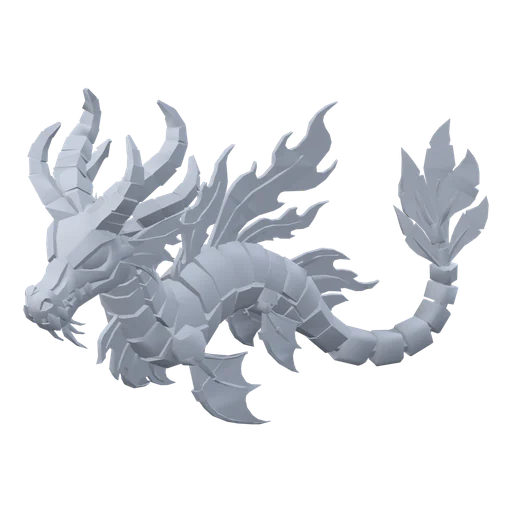
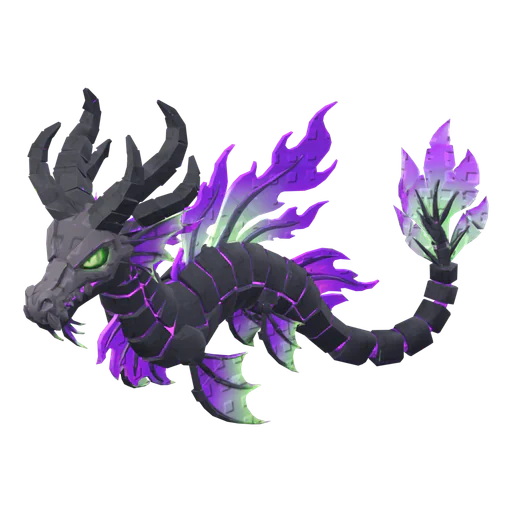
There are two ways in. Text to 3D is the quickest. Image to 3D gives you more control, because you can look at the picture and fix it before you spend credits on 3D. In our tests, making a concept image from the prompt and then converting that image gave cleaner pets than going straight from text, so that is the route we recommend.
In Proppo a concept picture costs 3 credits and a textured image-to-3D model 20 credits. If you have side and back views of the same design, multi-view to 3D (20 credits) uses them to guess less about the parts the front view hides. Generations that fail are refunded.
Step 3: Check the triangle and texture budget
Roblox accepts up to 20,000 triangles per mesh (modeling specifications), but a pet game can show dozens of pets at once, so pets should be far lighter than that. Our defaults, picked for phones, are:
| Asset | Triangles | Texture | Height |
|---|---|---|---|
| Pet | 4,000 | 512 px | 3 studs |
| Pet (mobile) | 2,000 | 512 px | 3 studs |
| Egg | 1,500 | 512 px | 3.5 studs |
Proppo presets. Roblox's hard limit is 20,000 triangles per MeshPart.
The Roblox export in Proppo reduces the mesh to the budget, caps the texture, scales the pet to studs and puts the pivot at the bottom center, so it sits on the ground when you import it. If you work in another tool, do these four things yourself before export. Our guide to triangle and texture limits explains the numbers.
Step 4: Auto-rig it with an idle and a walk loop
A static pet is fine for many simulators: game scripts bob and tilt it as it follows the player. A rig makes it come alive instead. The body bends when it walks, the tail swings, the wings flap. Rigging by hand takes hours in Blender. An auto-rig finds the spine, legs, tail, fins or wings for you.
Proppo's rig (10 credits) builds the skeleton from a body template and adds two looping clips, an Idle and a move loop, each 2 seconds at 30 fps:
| Template | Move clip |
|---|---|
| Four legsDogs, cats, dragons — spine, legs, tail | Walk |
| Two legsStanding pets and characters | Walk |
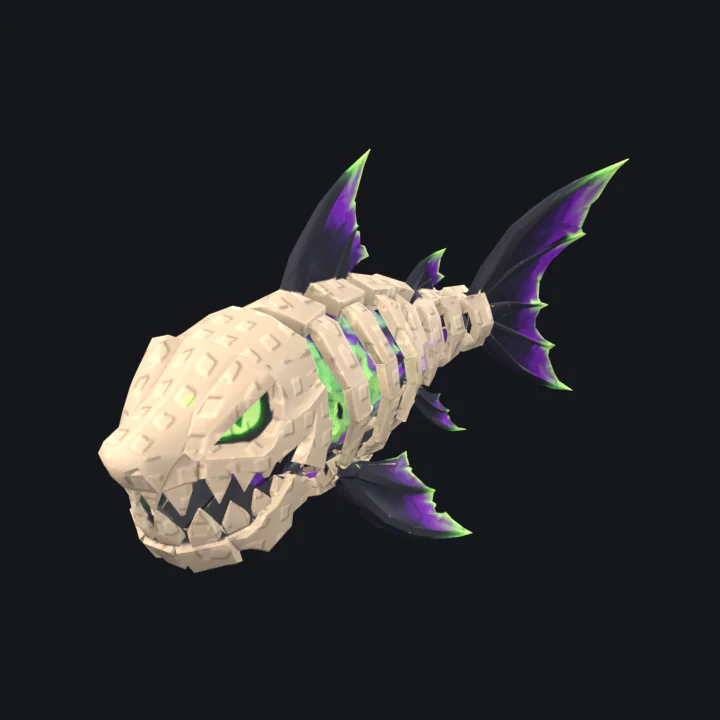
| FishSpine + fin chains, swim loop | Swim |
| Bird / flyerWing chains + body bob | Flap |
| Snake / wormOne long spine chain, slither loop | Wiggle |
| Jelly / squidTentacle chains, soft wobble | Swim |
| Simple bounceRoot + body, idle bob + bounce (eggs, props, items) | Bounce |
Auto-detect picks a template from the shape; you can also choose one yourself.
Step 5: Make the rarity set
Pet games sell the same creature in rarer looks. The cheap, consistent way to do that is to keep one mesh and one rig and swap only the texture. Proppo makes a full set (Gold, Diamond, Shadow, Rainbow and Neon) for 5 credits. Every variant keeps the same mesh and rig, so your hatch animation can swap them instantly. How to spread those tiers across an egg is a design question of its own, covered in how to design egg rarity tables.
Step 6: Export and import into Roblox Studio
Export as FBX with the textures next to it. FBX keeps the rig and the animation. In Studio, open the 3D Importer with File > Import (Ctrl+M / Cmd+M), pick the file, leave the scale unit on Studs and import. A rigged pet comes in with its bones under the MeshPart and an AnimationController on the model. The clips in the FBX are saved to an AnimSaves folder; open them in the Animation Editor and publish them with ⋯ > Publish to Roblox.
Every setting, plus fixes for missing textures, is in our step-by-step Roblox Studio import guide.
How much does it cost to make a Roblox pet with AI?
Roblox Studio's own Assistant generates static meshes for free. On Proppo, a textured, rigged pet with a rarity set is 38 credits.
With Proppo, the full run in this guide (concept image, textured model, rig and one rarity set) is 38 credits. The Roblox export itself is free. You get 60 free credits when you confirm your email, enough for one complete pet, plus 20 more every 30 days on the Free plan.
Models made on the Free plan are public under CC BY 4.0. See pricing for the current plans.
Frequently asked questions
Can I make a Roblox pet with AI for free?
Do I need Blender to make an AI pet for Roblox?
How many triangles should a Roblox pet have?
Can I sell or use the pet commercially?
Make your first pet today
Describe a pet or upload a drawing. Proppo turns it into a textured 3D model sized for Roblox, rigs it in one click and makes the rarity set.
60 free credits when you confirm your email. No card needed.
Related guides
All guides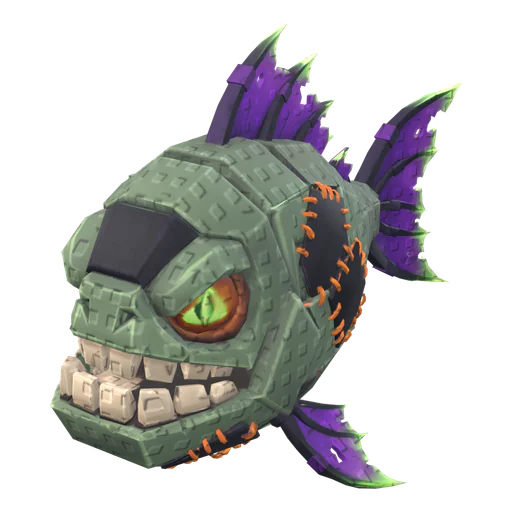 Game design
Game design
How to design pets for a Roblox game
Readability, themes, rarity escalation, a style lock, budgets and the concept-to-Studio checklist.
8 min readUpdated October 31, 2026Read
 Tutorial
Tutorial
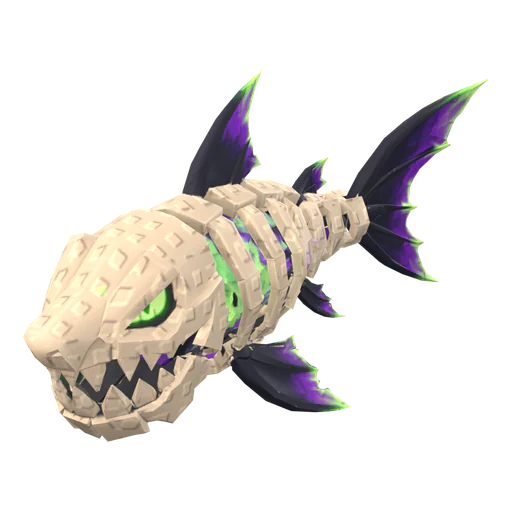
How to import a 3D model into Roblox Studio (FBX, textures, rigs)
3D Importer settings that matter, rigs and animations, textures and the usual import errors.
7 min readUpdated October 31, 2026Read
 Game design
Game design
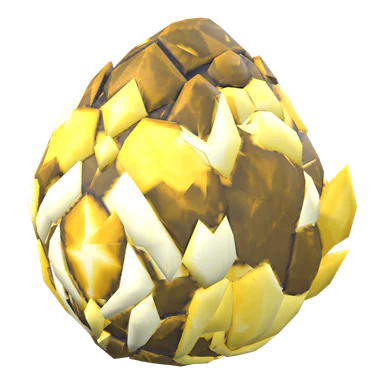
Pet simulator egg rarity tables: how to design them
Tiers, drop-rate math, gold and rainbow variants, pity timers and the odds rules Roblox asks for.
6 min readUpdated October 31, 2026Read
 Reference
Reference
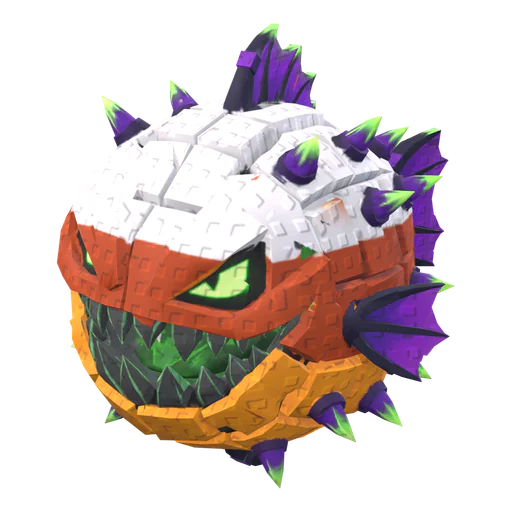
Roblox triangle and texture limits for mobile-friendly pets
The hard limits, the budgets pet games actually use, and how to hit them without losing the silhouette.
5 min readUpdated October 31, 2026Read