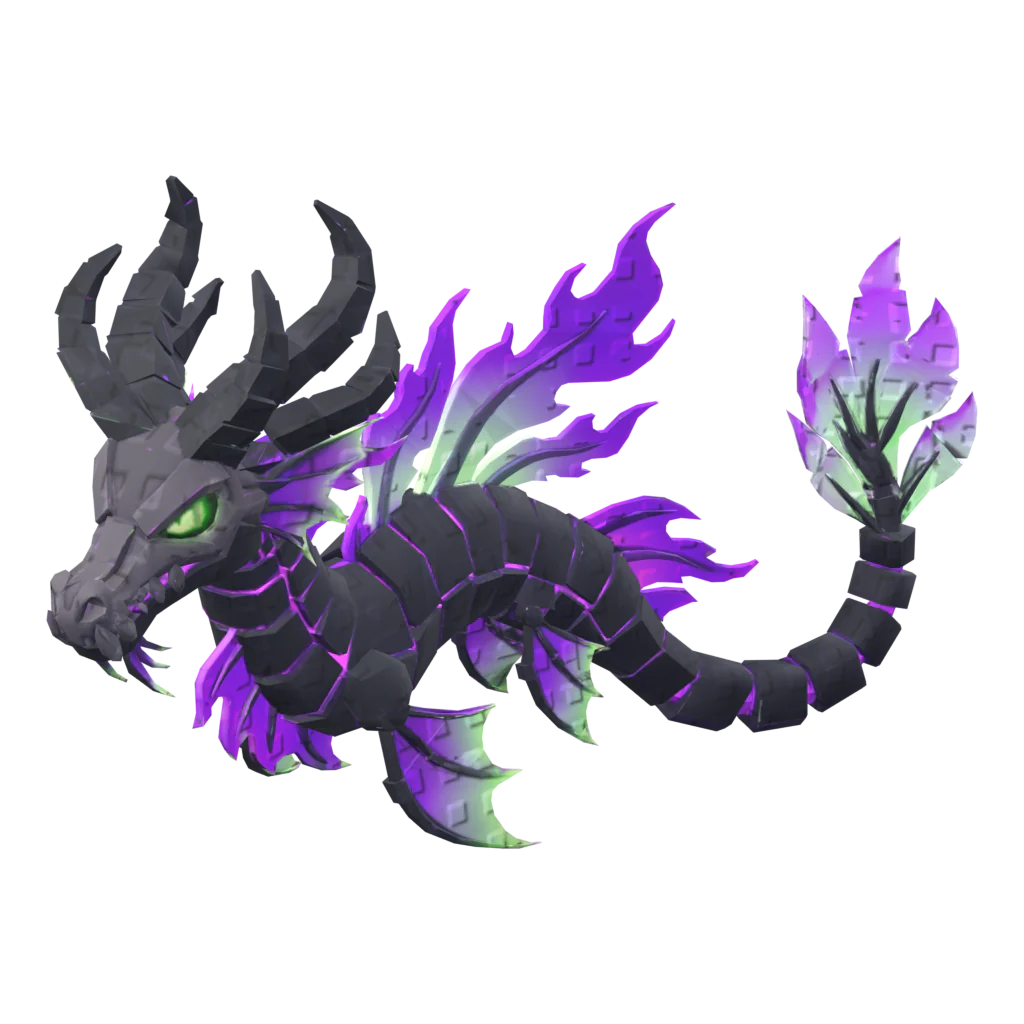
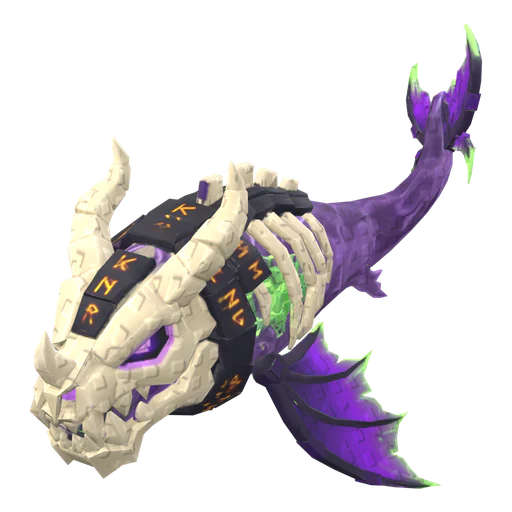
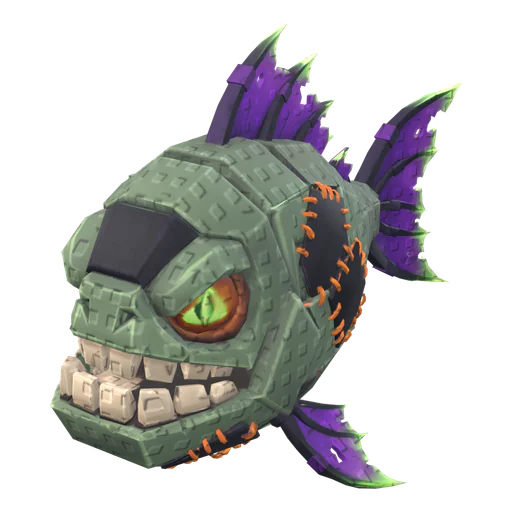
NewRig any pet in one click: Idle + a move loop

Ship pets your players want to hatch.

Upload a drawing or type an idea. Get a textured 3D pet under Roblox's triangle budget, sized for Studio. Rig it, animate it and make its rarity set in one click each. Eggs and props too.

Try an example
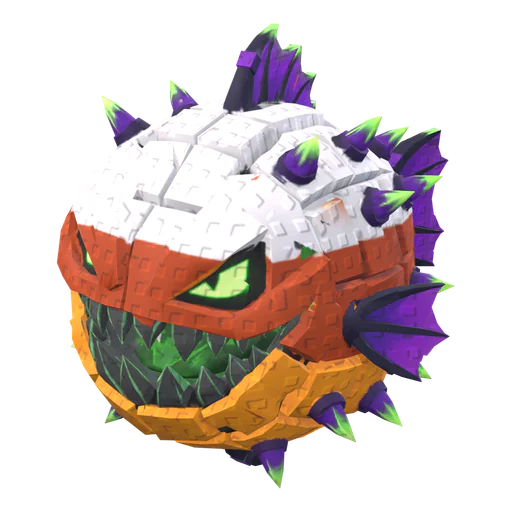
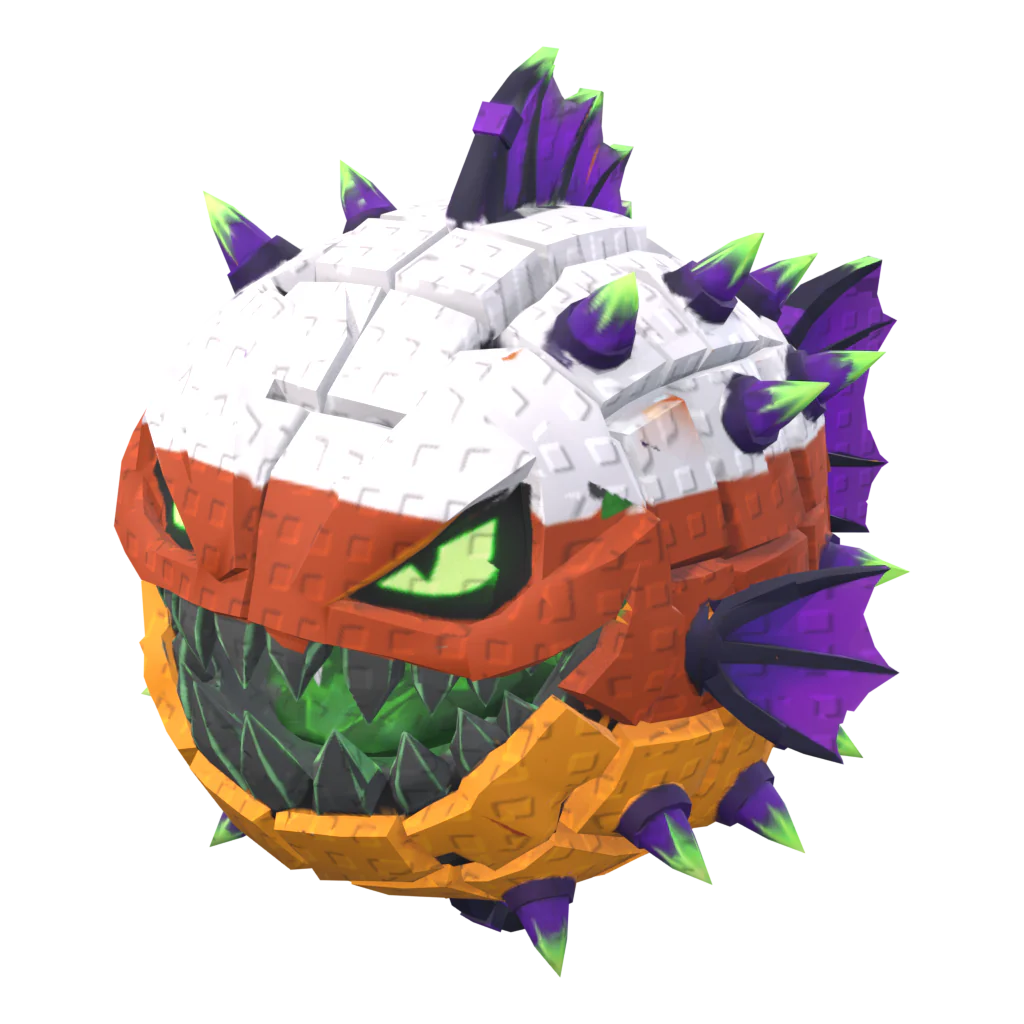
  1. Candy Puffer, untextured AI mesh
    AI mesh
  2. Candy Puffer, optimized wireframe
    Optimized3,939 tris
  3. Rigged

60 free credits when you sign up. No card needed.

  • ≤4,000tris per pet, phone-ready
  • 1 clickrig + Idle and move loop
  • 5rarity recolors from one model
  • 1 = 1unit to stud, pivot on the ground

From idea to Studio in three steps

  1. Candy Puffer as an untextured AI mesh

    Spiky pufferfish pet with a big toothy grin, red and white

    01

    Drop an image or type an idea

    Concept art, a doodle or “chubby lava dragon pet”. Pets first, but eggs, props and items work too.

  2. AI meshtextured

    02

    We make it game-ready

    AI builds the mesh and texture. Our pipeline slims it to Roblox budgets, scales it to studs and can rig it.

  3. Candy Puffer wireframe after Roblox optimize3,939 tris
    03

    Import into Studio

    Download FBX + textures with the Roblox Studio preset. Right size, pivot on the ground.

Turn concept art into a game-ready model

Drop a drawing, a render or a photo. You get a textured mesh back, and you can check it in clay or wireframe before it goes anywhere near Studio.

Textured model20 credits

See generated petsTry image to 3D
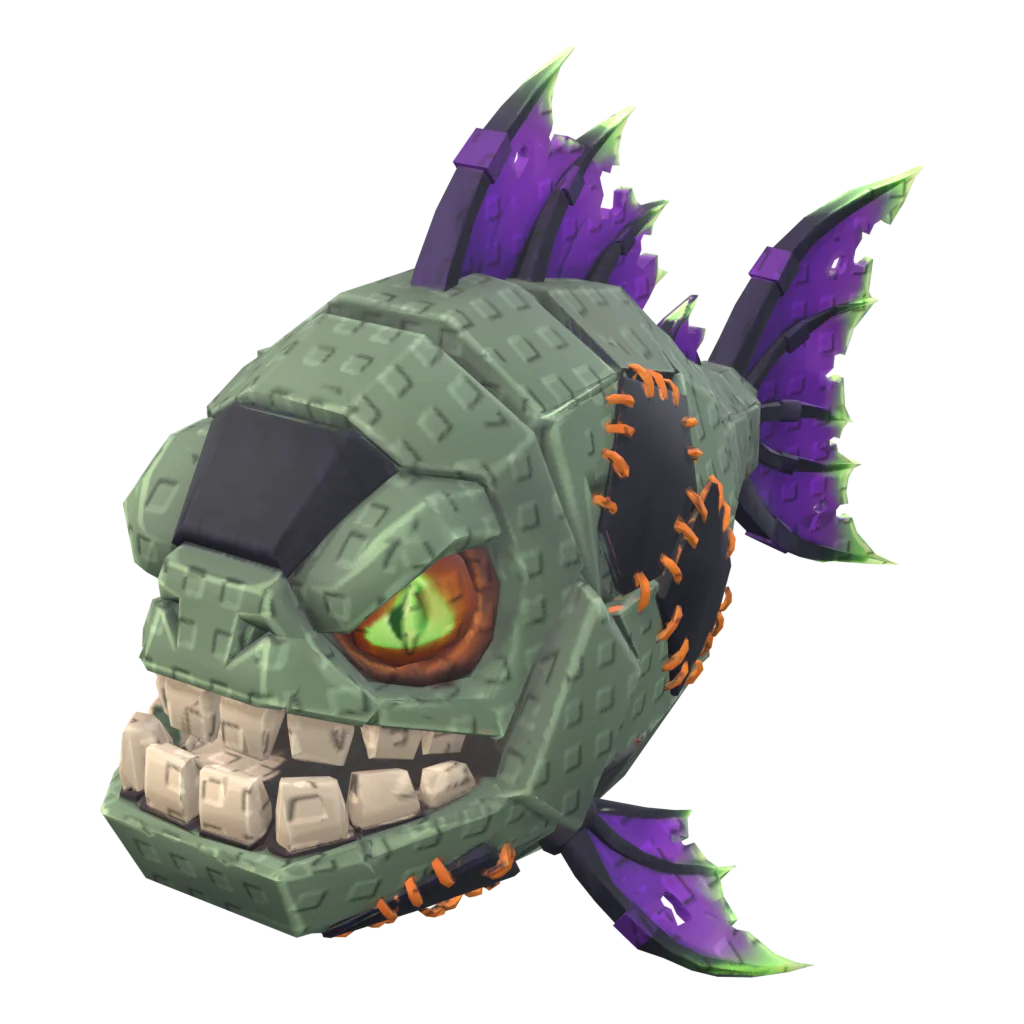
Image to 3D
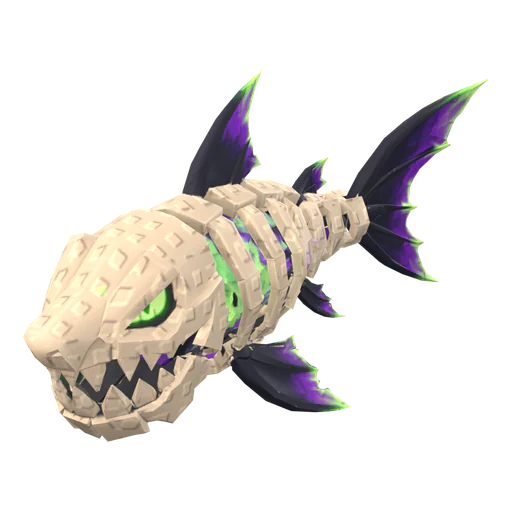
Zombie Piranha, generated 3D model
TexturedClay

Built for the games you're making

Pets, eggs and rarity tables for simulators. Props and pickups for tycoons and obbies. All sized for phones and Studio.

Make a pet

Fill a pet simulator without a 3D artist

Pets that move, eggs that match your world and a rarity table for each of them.

Pets that follow and swim

Pumpkin Reaper with its Swim loop from the auto-rig.

Halloween EggStarfang EggShark Egg

Eggs that match your world

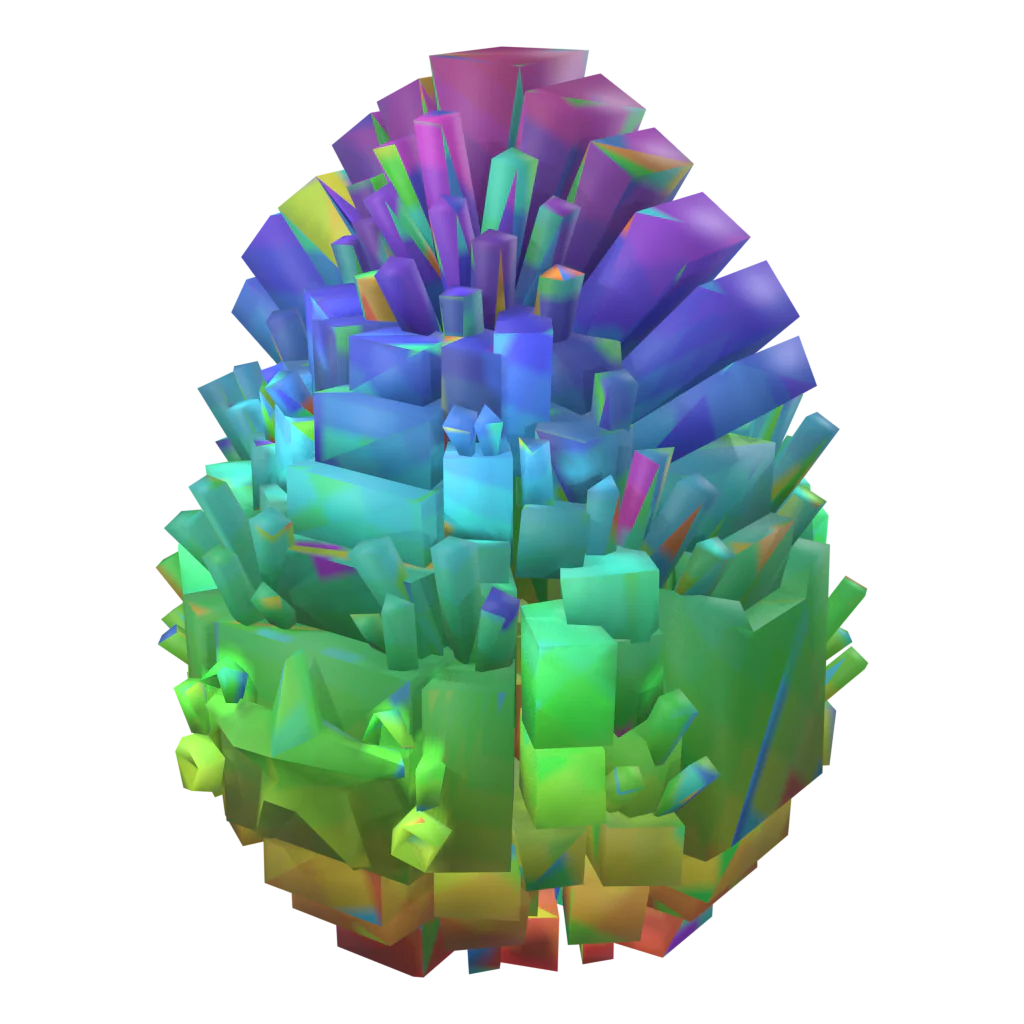
Themed eggs for every world. Each one sits under 1,500 triangles.

Clownfish wireframe after Roblox optimize
Raw mesh
7,879
After Roblox optimize
3,940

Light enough for phones

Every export is cut to the triangle budget for its type, so a full pet table still runs on a phone.

  • Shark Egg, CommonCommon
  • Shark Egg, DiamondDiamond
  • Shark Egg, GoldGold
  • Shark Egg, RainbowRainbow

A rarity table for every egg

Common, Diamond, Gold, Rainbow: the same shark egg recolored, ready for your hatch odds.

Props and collectibles for every stage

Droppers, pads, chests and pickups from one sentence each. They get the same triangle budgets and Studio export as pets.

Make a prop
Ghost Jelly wireframe standing on a stud grid1 stud

Sized in studs

1 unit = 1 stud and the pivot sits on the ground, so props drop onto a baseplate at the right height.

1,500Egg
3,000Item
4,000Pet
6,000Prop

Budgets per type

Props up to 6,000 triangles, items 3,000, eggs 1,500. Raw AI meshes are cut down on export.

Pickups and collectibles

Items are small and cheap to render: gems, keys and gear for your shop or loot drops, plus egg drops in every rarity.

Game-ready, not just generated

Raw AI meshes are heavy, unrigged and the wrong size. Every model goes through our Roblox pipeline before you download it.

Make your first model
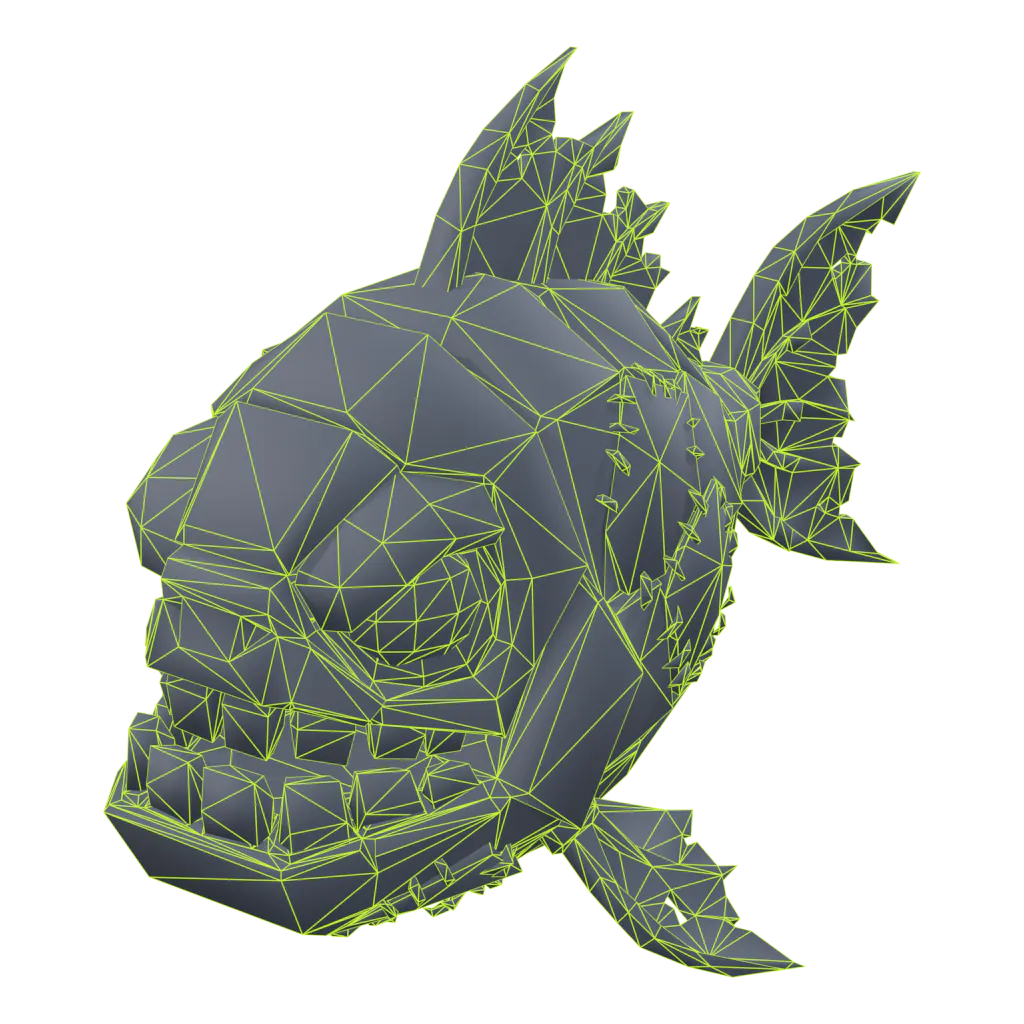
Zombie Piranha wireframe after Roblox optimize3,939triangles, from 7,999

Roblox optimize

Cut to the triangle budget for its type, textures capped at 1024 px, 1 unit = 1 stud, pivot on the ground.
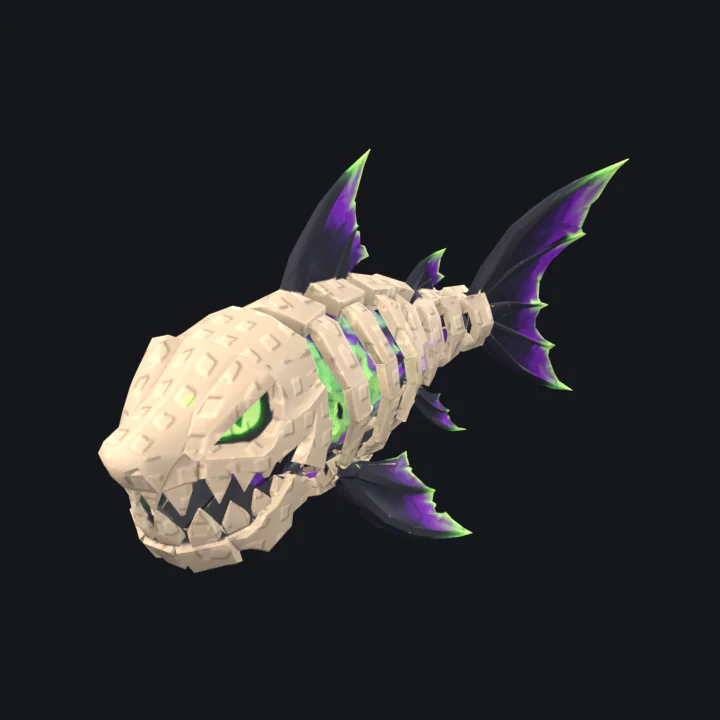
Rig and animate

A skeleton with up to 4 bone weights per vertex, plus an Idle and a move loop Studio can play.
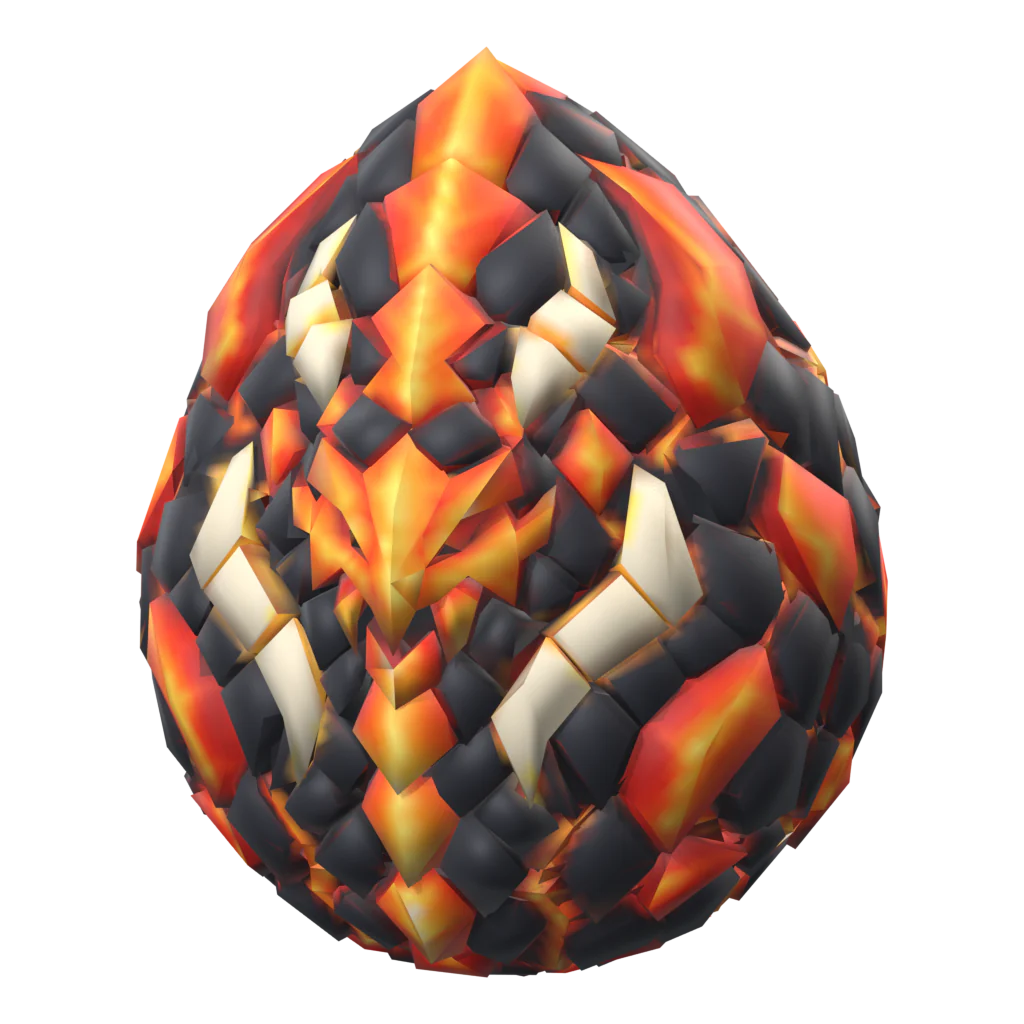
  • Magma Seadragon Egg, Common
  • Magma Seadragon Egg, Diamond
  • Magma Seadragon Egg, Gold
  • Magma Seadragon Egg, Rainbow

Rarity sets

Common to Rainbow from one model. Separate textures, same mesh, so swaps are instant.

Works withRoblox StudioBlender
Export formatsFBXGLBOBJPNG textures

Start free. Upgrade when your game grows.

60 free credits on sign-up and 20 more every month to make your first pets. Failed jobs are always refunded.

Compare plans

Invite friends, earn free credits

Your friend gets +40 on top of the 60 sign-up credits once they confirm their email. You get +30 when they finish their first model and +250 when they buy their first plan or credit pack.

New accounts only; inviting yourself doesn't count. First-model rewards: up to 10 friends every 30 days. A refunded purchase takes its reward back.

Sign up to get your link

Questions creators ask

Billing and credits are covered on the pricing page. Something else? Contact us.

What is Proppo?
Proppo (also called Proppo AI) is an AI 3D generator made for Roblox creators. Describe a pet, egg or prop, or upload a drawing, and it makes a textured 3D model, then does the Roblox work: triangles cut to a budget per type (a pet 4,000), sized in studs with the pivot on the ground, an auto-rig with an Idle and a move loop, rarity variants (Gold, Diamond, Shadow, Rainbow, Neon) and an FBX pack for Roblox Studio. It runs in the browser. More about Proppo.
Is Proppo free?
Yes, it's free to start: confirm your email for 60 credits, enough for a textured pet, its rig and a rarity set, and get 20 more every month. No card needed. Plans with more credits are on the pricing page.
How is Proppo different from Meshy, Tripo or Roblox Cube?
Meshy and Tripo are general AI 3D generators: you get a model and do the Roblox steps yourself. Roblox Cube (the Assistant in Studio) is free and quick for static props, without rigs. Proppo generates the model and then does the Roblox steps in one flow: a triangle budget per type, stud scale and pivot, pet rigs with loops, and a Gold, Diamond, Shadow, Rainbow, Neon set on the same mesh and rig. It makes the eggs too. Side-by-side comparisons.
How do credits work?
Every operation has a fixed credit price, shown on the button before you spend anything. A textured model costs 20, rigging 10, a full rarity set 5, so a complete game-ready pet is 35. If a job fails, the credits go straight back to your balance. New accounts get 60 credits once they confirm their email, plus 20 every month on Free. See all prices.
How do I make pets for my Roblox game?
Describe the pet in one sentence or upload a drawing in Proppo and press Generate. Proppo builds a textured 3D pet, slims it under 4,000 triangles and sizes it in studs with the pivot on the ground. One click adds a rig with an Idle and a move loop, another a rarity set. Then import the FBX in Roblox Studio.
What makes a good simulator pet?
It reads at a glance from across the map: a bold silhouette, one clear theme and simple, bright colors. It stays light, so a full server of pets runs on phones (Proppo's pet budget is 4,000 triangles with 512 px textures). It loops a short idle and walk, and has gold or rainbow versions players want to hatch.
Can I use the models in my game commercially?
Yes, on any paid plan: your models are yours to use in games you sell or monetize, including passes and developer products, and you can keep them private. Free-plan models are public under CC BY 4.0, which means anyone who downloads them may use them, commercially too, as long as they credit the author. The same goes for every CC BY model on Explore.
Which file formats do I get?
FBX (keeps the rig and animations, best for Roblox Studio), OBJ with textures for simple static props, and GLB for web, Blender or other engines. The Roblox pack bundles FBX + textures with a short import guide. Exporting costs no credits.
How do I import a model into Roblox Studio?
Download the Roblox Studio preset, open the 3D Importer in Studio and pick the FBX. Models arrive at the right size (1 unit = 1 stud), with the pivot at the bottom center so they sit on the ground, and under Roblox's triangle and texture limits. Then anchor it or drop it into your pet system and publish to your inventory.
What makes a model “Roblox-ready”?
Our own pipeline runs after generation: it reduces triangles to a budget per type (pets, eggs and props differ), caps textures at 1024px, scales to studs, sets a bottom-center pivot and checks the result. Any pet can get our own rig with an Idle and a move loop, and eggs and pets can get a full set of rarity recolors in one click.
Do I need 3D or Blender skills?
No. Drop in a picture or describe your idea, pick the asset type and press Generate. Everything else (optimization, rig, variants, export) is one click each.
Can I use AI-generated models in a Roblox game?
Yes. Roblox has no rule against AI-made models: they are moderated like any other asset, and you are responsible for what you upload. Don't prompt with brands, existing characters or another game's art, and if your eggs cost Robux, show the odds. Roblox's rules for AI content.

Pets creators are making

Preview any model in 3D.

Your next pet is one prompt away

Sign up in seconds, confirm your email for 60 credits and make your first game-ready pet before your coffee cools.